


购买须知
1.本套Adobe全家桶软件只提供Windows版,无mac版,请知悉哦
2.本套Adobe全家桶已经经过千百台电脑的安装及验证,均无问题,如果安装就出现问题,请优先怀疑自己的电脑硬件及系统是否满足要求,建议先将电脑系统升级至Windows10 x64的最新版本或者Windows 11的最新版本,或者直接重装纯净原版系统,再来安装本套软件
3.如果不清楚硬件是否满足要求,可以查阅Adobe网站的安装要求,可以查阅各个软件的安装要求,也可以咨询客服
2.本套Adobe全家桶已经经过千百台电脑的安装及验证,均无问题,如果安装就出现问题,请优先怀疑自己的电脑硬件及系统是否满足要求,建议先将电脑系统升级至Windows10 x64的最新版本或者Windows 11的最新版本,或者直接重装纯净原版系统,再来安装本套软件
3.如果不清楚硬件是否满足要求,可以查阅Adobe网站的安装要求,可以查阅各个软件的安装要求,也可以咨询客服
各个软件安装要求:
- PS安装要求:https://helpx.adobe.com/cn/photoshop/system-requirements.html
- PR安装要求:https://helpx.adobe.com/cn/premiere-pro/system-requirements.html
- AE安装要求:https://helpx.adobe.com/cn/after-effects/system-requirements.html
- AI系统要求:https://helpx.adobe.com/cn/illustrator/system-requirements.html
- Id安装要求:https://helpx.adobe.com/cn/indesign/system-requirements.html
- Ic安装要求:https://helpx.adobe.com/cn/incopy/system-requirements.html
- BR安装要求:https://helpx.adobe.com/cn/bridge/system-requirements.html
- LRC安装要求:https://helpx.adobe.com/cn/lightroom-classic/system-requirements.html
- Au安装要求:https://helpx.adobe.com/cn/audition/system-requirements.html
- Me安装要求:https://helpx.adobe.com/cn/media-encoder/system-requirements.html
- An安装要求:https://helpx.adobe.com/cn/animate/system-requirements.html
- Acrobat安装要求:https://helpx.adobe.com/cn/acrobat/system-requirements_CN.html
总的来说:
- 系统要求:Windows10 x64最新版或者Windows11最新版,建议使用专业版、企业版、教育版系统
- CPU要求:具有 64 位支持的多核处理器,
- 内存要求:8G及以上
- 显卡要求:最近3年内上市的独立显卡(视频编辑建议)
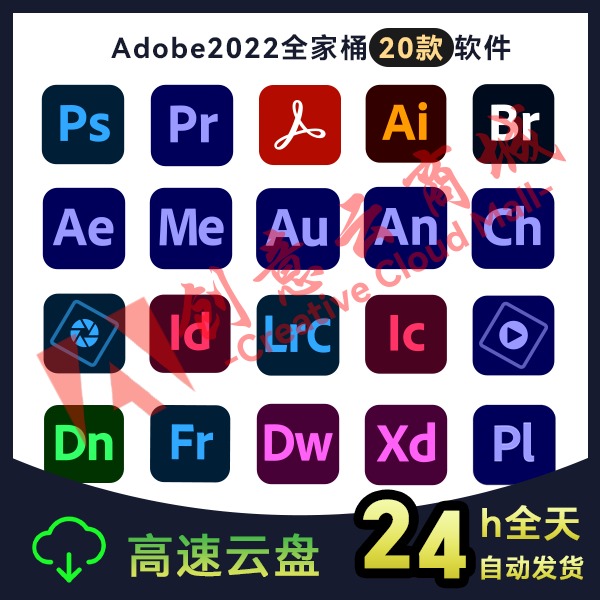
Adobe全家桶目前收集了20款软件,均为永久授权版,他们分别为Photoshop、Illustrator、Lightroom Classic、Bridge、Premiere Pro、After Effect、Media Encoder、Audition、Indesign、Incopy、Animate、Acrobat PDF、Character Animator、Dreamweaver、Prelude、Dimension、Fresco、XD、Photoshop Elements以及Premiere Elements。
常见问题
系统要求
注意:目前老刘建议无论你使用2017-2023的哪个版本,均可以使用Windows10 22H2 x64或者Windows11系统,强烈建议不要在Windows7安装2020以上版本软件。Windows7使用2017-2018版本最好,且要求系统为64为系统。
我们以PR2023为例,Windows 10(64 位)V20H2 或更高版本的Windows11(64 位)
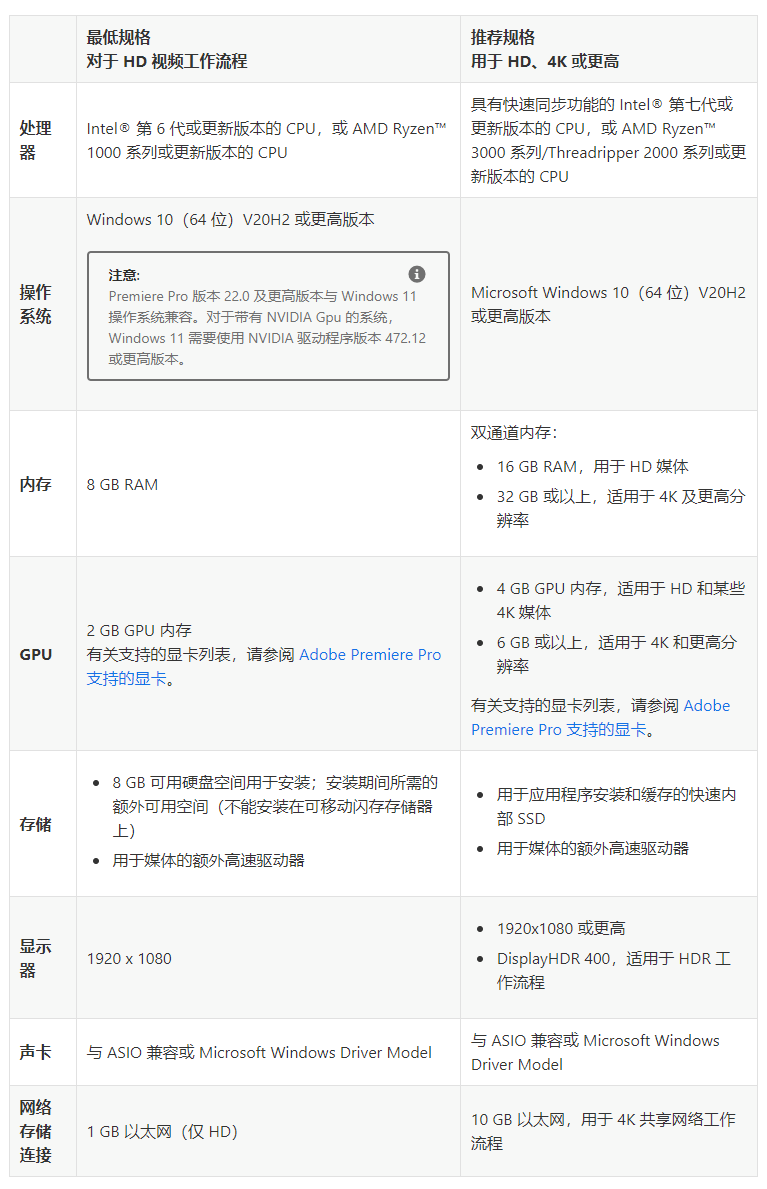
硬件要求
2022版本需要支持SSE4.2或更高版的CPU处理器,如果启动提示 “加载ippcvm7.dll库错误”,说明不兼容2023。
具体要求:
https://helpx.adobe.com/cn/premiere-pro/system-requirements.html
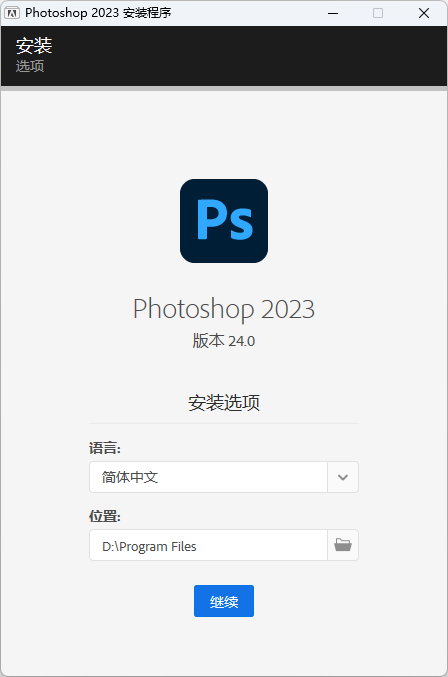
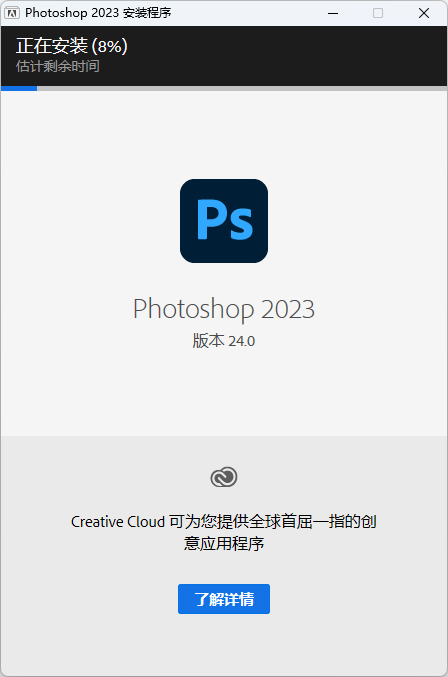
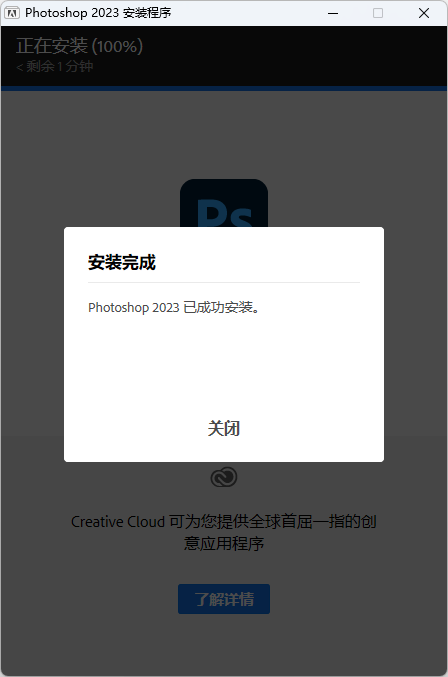
安装方法(以PS2023为例)
安装注意:安装前建议退出杀毒软件,防止杀毒阻止某些组件安装,导致安装失败,或者功能受限。
下载后解压,右键以管理员身份运行Setup.exe执行安装即可,安装可选安装语言及安装位置。
相关推荐
关于下载
创意云商城采用自助购买方式,您购买时须填入邮箱,付款 成功后会自动把下载链接发送到您的邮箱,如果您是注册账户后购买,购买结果同时会显示 到当前商品属性的顶部